
A confident first step
Computer and Digital Literacy
Practical computer skills for Deaf children and young people who need time to explore, practise, ask questions in sign language, and understand what each tool is useful for.
- 4 skill areas
- 2 practical projects
- Accessible by design
The learning experience
Access changes how a lesson is built.
Designed for: Beginners, school students, and young people who have had limited access to a computer or structured digital learning.
The first barrier is often not ability. It is access: a shared device, instructions delivered while a learner is watching an interpreter, or a teacher moving on before there has been time to try the task.
We slow the lesson down without lowering expectations. A skill is demonstrated visually, signed, practised together, and then repeated independently. Learners leave with something they can do again outside the classroom.
Skills in practice
Learning is easier to understand when you can see it happening.
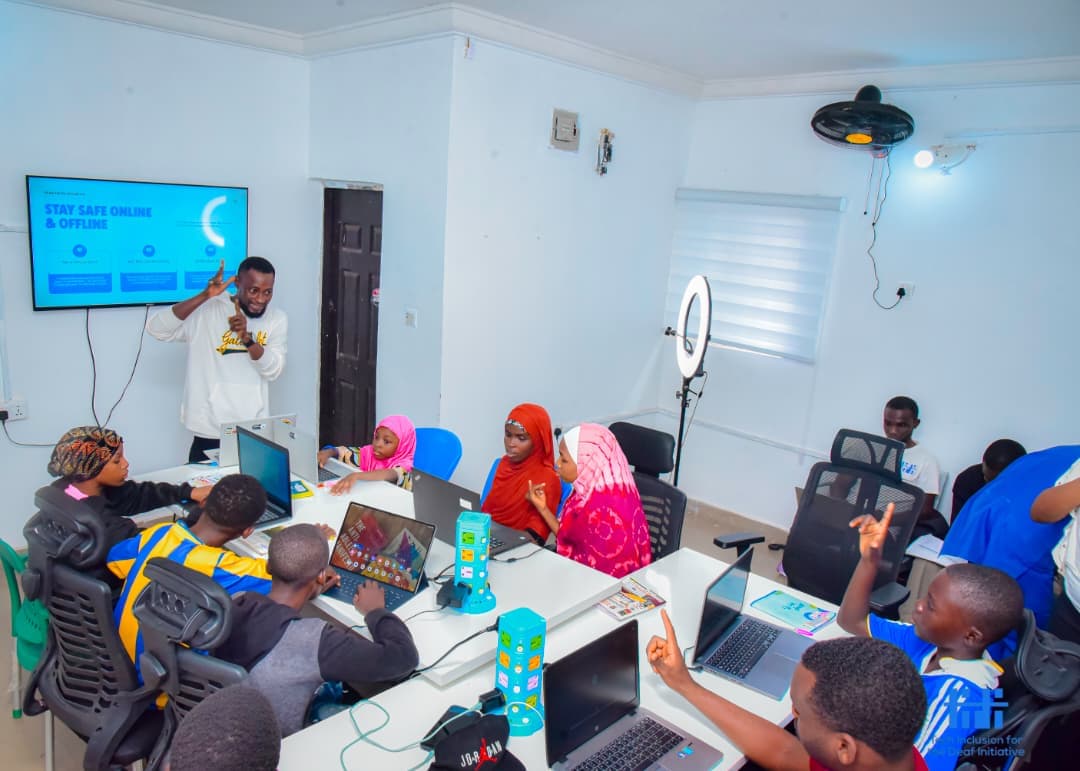
These photographs come from TIDI programmes and show the visual, practical, and collaborative learning behind this pathway.
 View larger
Computer confidence
Learners first watch a clear demonstration, then repeat the task on the device at their own pace.
 View larger
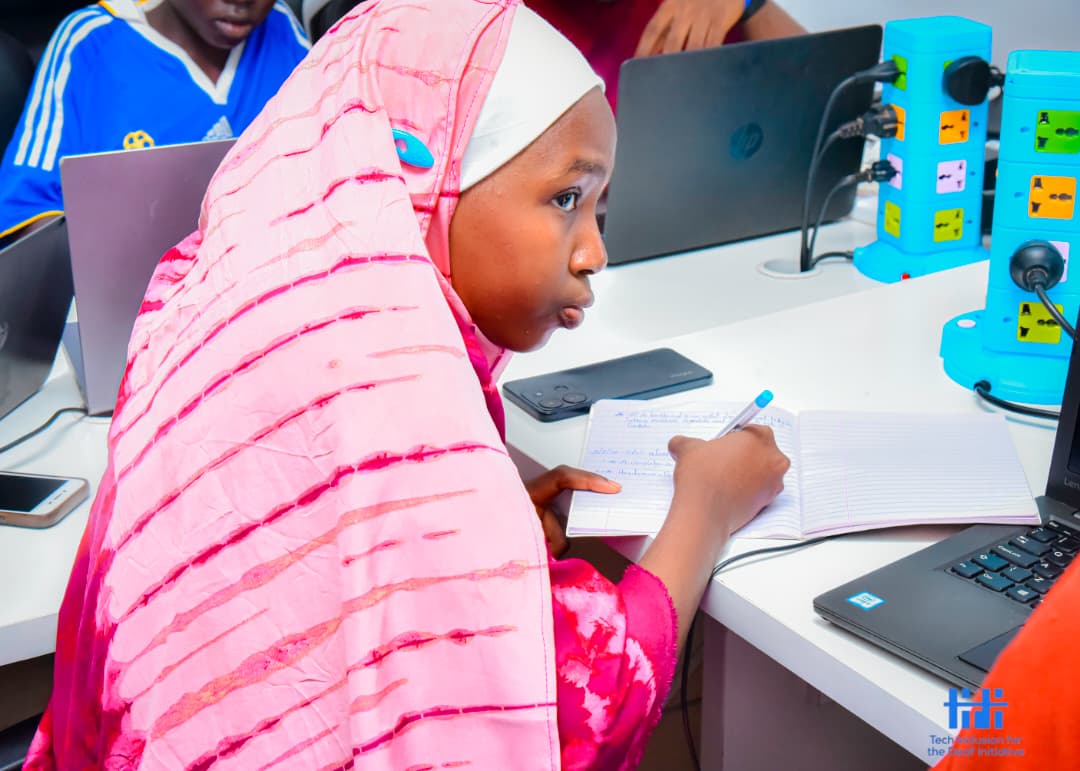
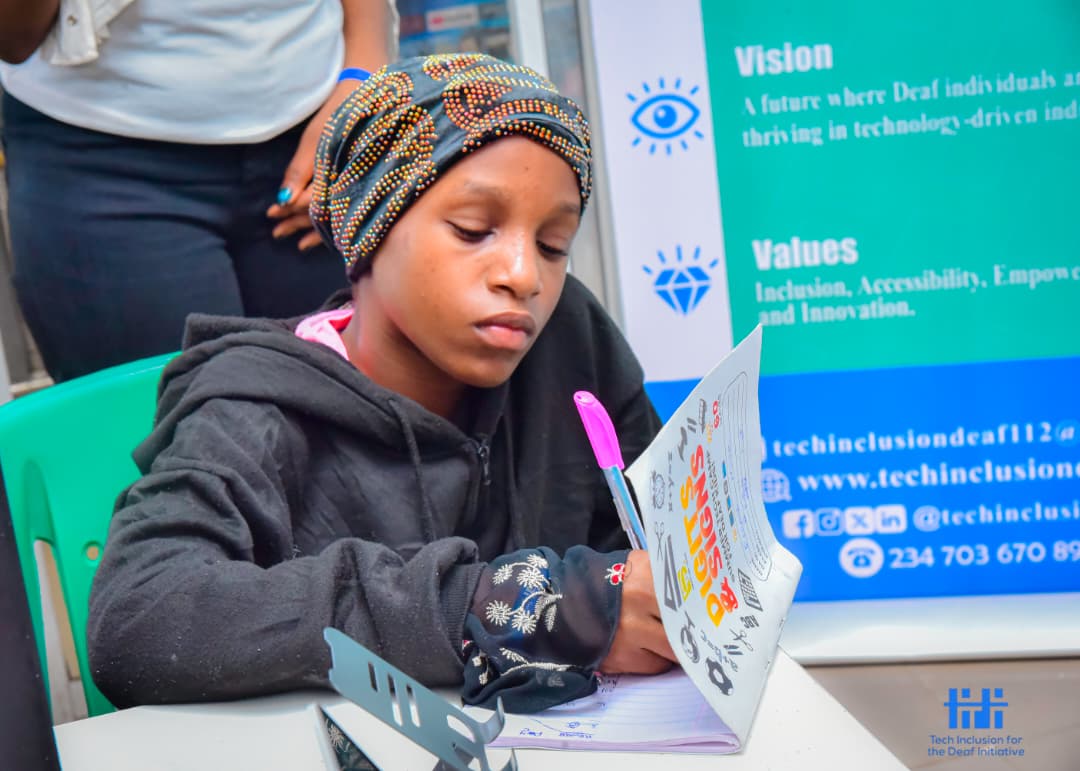
Everyday digital work
Guided practice turns files, documents, email, and online tools into skills learners can use beyond the classroom.
 View larger
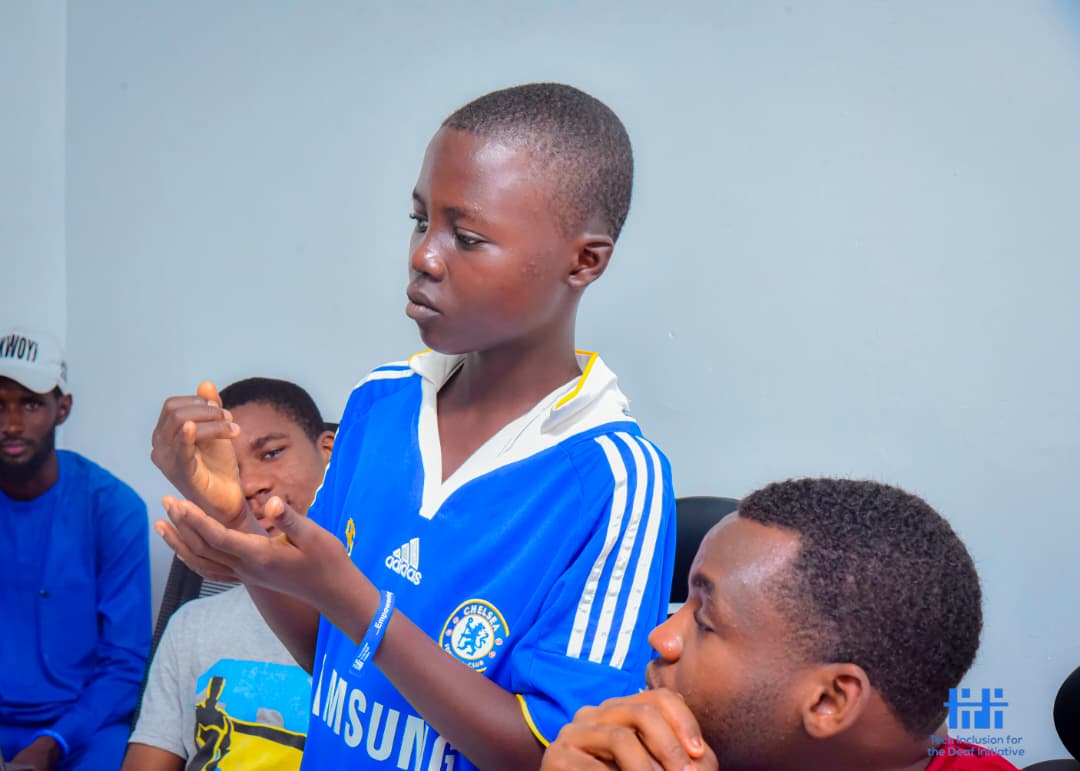
Digital participation
Learning together gives people room to ask questions, solve problems, and share what already works for them.
What learners work on
Specific skills, taught in context.
Using a computer
- Keyboard and mouse control
- Files and folders
- Installing and opening applications
- Device care and basic troubleshooting
Everyday digital work
- Word processing
- Presentations
- Spreadsheets
- Email and attachments
- Printing and saving as PDF
Using the internet safely
- Effective web search
- Checking whether information is trustworthy
- Passwords and privacy
- Recognising scams
- Responsible social media use
Creating and communicating
- Canva basics
- Simple posters and presentations
- Online collaboration
- Captions, transcripts, and accessible document habits
Learning by making
Work a learner can explain, improve, and show.
- Create and organise a personal learning folder Write and email a properly named document Build a simple budget in a spreadsheet Design an accessible school or community poster
How access is built in
Communication is part of the teaching plan.
- Nigerian Sign Language-led explanation Clear sightlines between learner, instructor, interpreter, and screen Short written instructions that remain available during practice No important instruction delivered through speech alone Flexible repetition and peer support
Where this can lead
Learners can move into a focused technology track, use digital tools more independently at school, or build the foundation needed for applications, training, and work.
Talk to TIDI about this pathway