From curiosity to working projects
Technology Skills and Portfolio Development
Focused learning tracks in web development, backend development, Python, data analytics, AI-assisted coding, and graphic design—taught through projects learners can explain and show.
- 6 skill areas
- 1 practical projects
- Accessible by design
The learning experience
Access changes how a lesson is built.
Designed for: Young people with basic computer confidence who want to explore a technology pathway, build a portfolio, or prepare for further training and entry-level opportunities.
A learner can copy code from a screen and still feel lost when the error message appears. Real confidence begins when they can pause, describe what they expected, find the problem, and try another route.
Projects begin with familiar problems: a school information page, an attendance table, a small community dataset, or a poster for an event. Technical language is introduced alongside plain explanations and signs, not used as a gatekeeping test.
AI-assisted or ‘vibe’ coding is taught as a tool, not magic. Learners practise writing a clear request, checking generated code, protecting private information, testing the result, and taking responsibility for what they publish.
Skills in practice
Learning is easier to understand when you can see it happening.
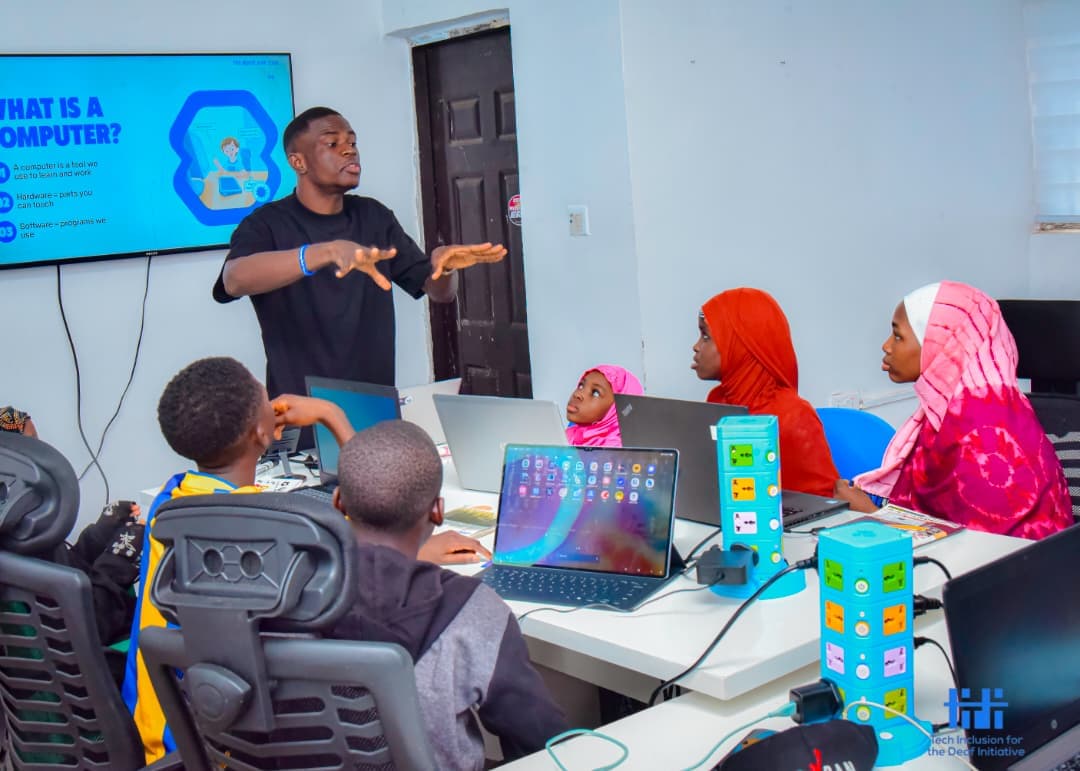
These photographs come from TIDI programmes and show the visual, practical, and collaborative learning behind this pathway.
 View larger
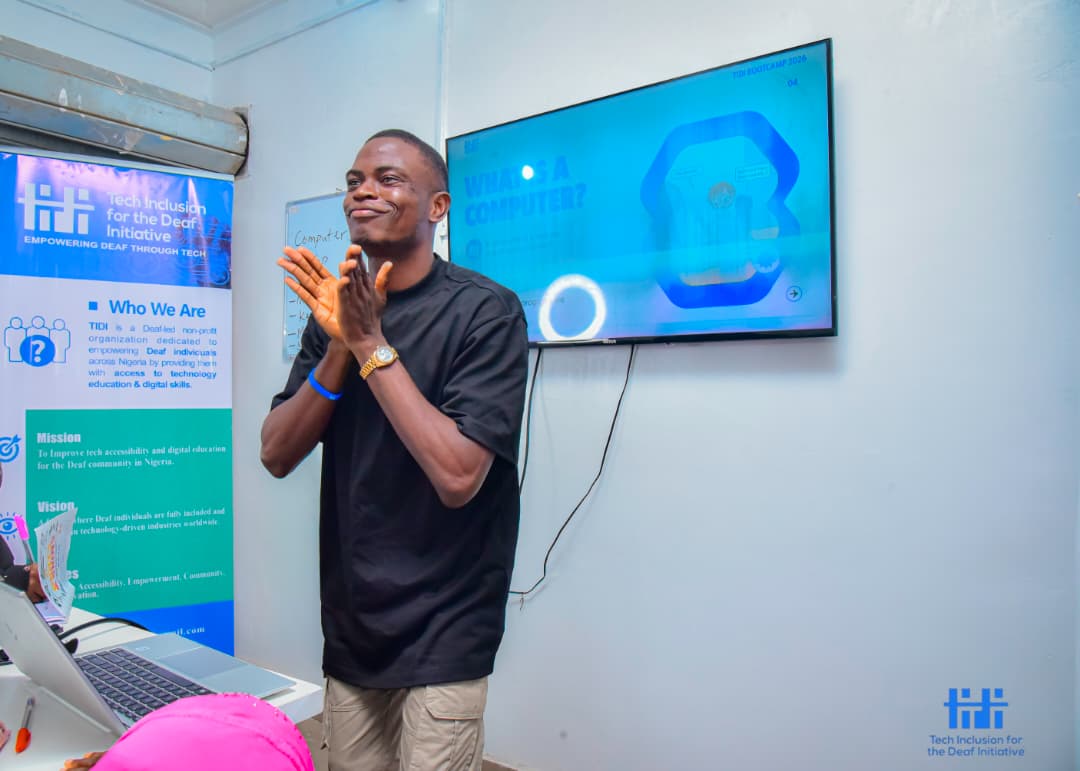
Portfolio planning
Technical learning is connected to a clear goal: work a learner can describe, improve, and present with confidence.
 View larger
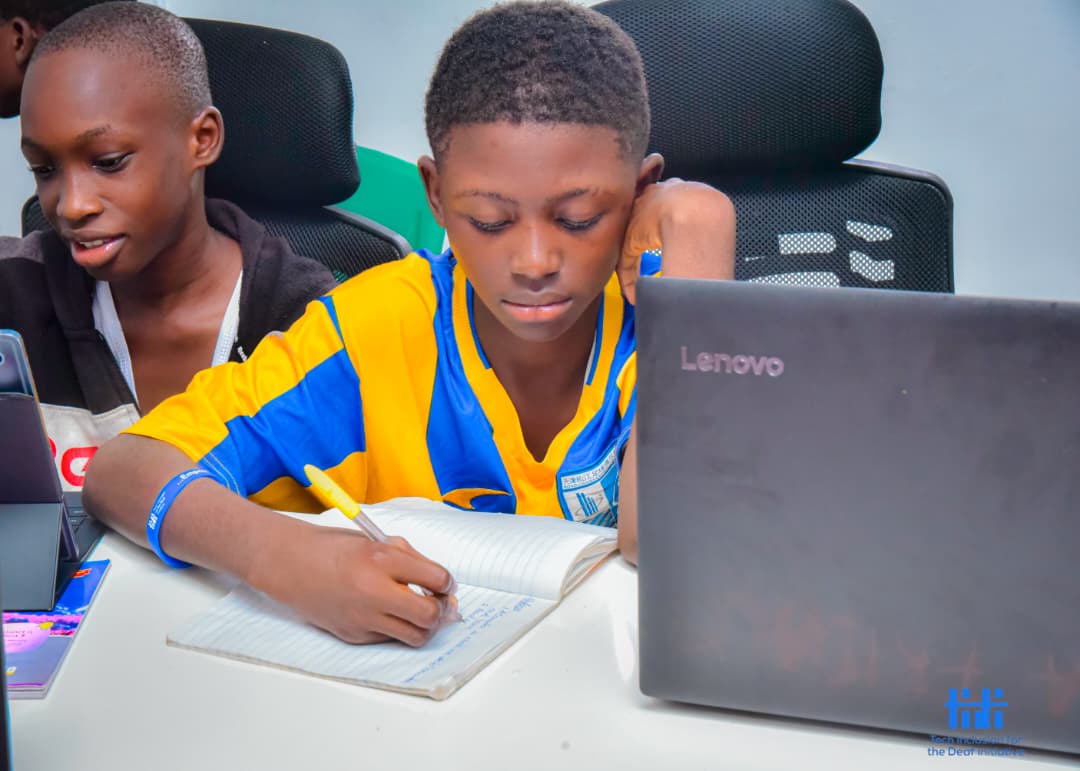
Problem-solving
Mentors help learners talk through a problem before choosing the code, data, or design tool that fits it.
 View larger
Technology pathways
Learners meet Deaf role models and connect frontend, backend, Python, data, and design skills to real opportunities.
What learners work on
Specific skills, taught in context.
Frontend development
- Semantic HTML
- Responsive CSS
- JavaScript fundamentals
- React foundations
- Git and GitHub
- Keyboard and screen-reader accessibility
Backend development
- Server and API concepts
- Node.js foundations
- Databases and SQL
- Authentication concepts
- Validation and error handling
- Deploying a small application
Python programming
- Variables and data types
- Conditions and loops
- Functions
- Reading files
- Debugging
- Small automation projects
Data analytics
- Spreadsheet analysis
- Cleaning data
- SQL queries
- Charts and interpretation
- Explaining findings without misleading people
AI-assisted coding
- Breaking a task into clear steps
- Prompting with useful context
- Reviewing generated code
- Testing and debugging
- Privacy, attribution, and responsible use
Graphic design
- Visual hierarchy
- Typography and colour
- Canva or Figma workflows
- Social media and print layouts
- Accessible contrast and readable design
Learning by making
Work a learner can explain, improve, and show.
- Build and publish an accessible personal profile site Create an API-backed small application Analyse a community or school dataset and present the findings Automate a repetitive task with Python Design a campaign asset with an accessible digital version
How access is built in
Communication is part of the teaching plan.
- Deaf instructors and technology role models where available Signed explanation before and during demonstrations Captioned reference material and readable technical notes Screens shared at a pace that leaves time to watch, then work Code reviews focused on reasoning rather than speed
Where this can lead
Each learner leaves with reviewed work, a clearer sense of the track that suits them, and practical next steps for deeper study, mentorship, internships, freelance practice, or an entry-level portfolio.
Talk to TIDI about this pathway